
No products in the cart.
23%
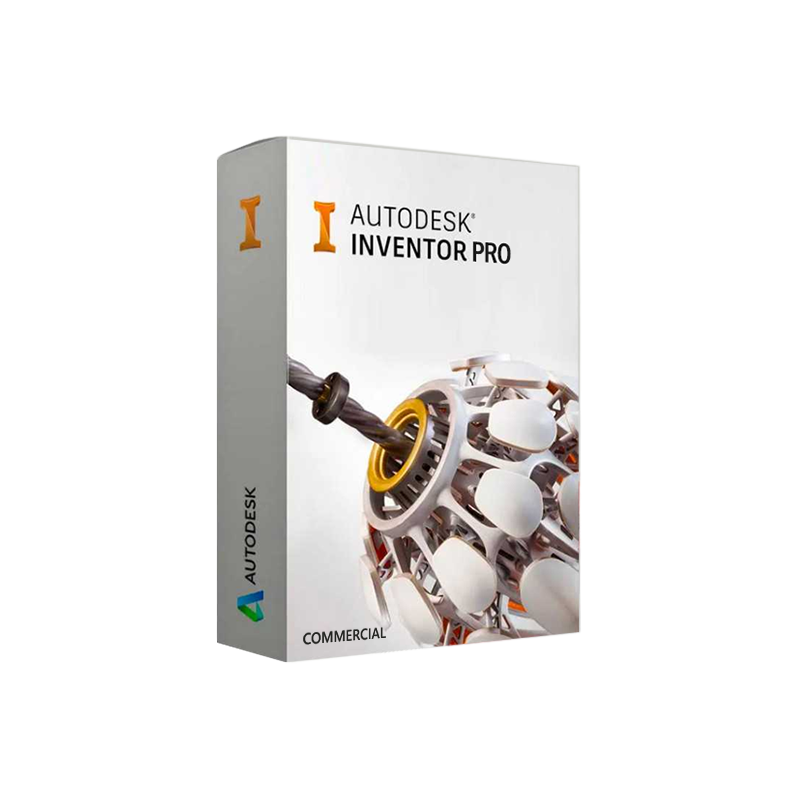

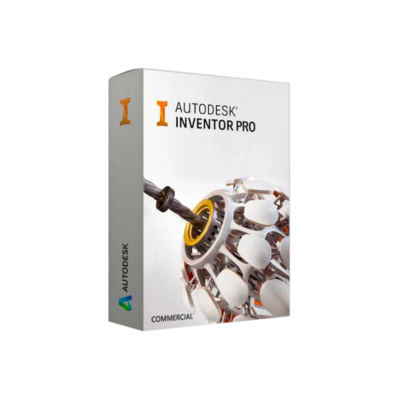
Autodesk Inventor Pro for Windows Commercial – Genuine commercial licence
United States dollar ($) - USD
In Stock
In Stock
Be the first to review “Autodesk Inventor Pro for Windows Commercial – Genuine commercial licence”
Description
Autodesk Inventor Professional – Windows Commercial Edition
The industry‑standard 3‑D CAD solution for professional engineers, designers, and manufacturers.
Overview
Autodesk Inventor Professional (commonly referred to as Inventor Pro or Inventor Pro for Windows Commercial) delivers a complete, integrated suite of tools for 3‑D mechanical design, simulation, visualization, and data management. Built on a robust, scalable architecture, it empowers engineering teams to accelerate product development, reduce costly iterations, and bring innovative solutions to market faster.
“Inventor Professional is the backbone of modern mechanical engineering—combining precision modelling with intelligent automation.” – Industry analyst, CAD Review
Why Choose Autodesk Inventor Professional?
| ✔️ | Feature | Benefit to Professionals |
|---|---|---|
| 1 | Parametric, feature‑based modeling | Create fully associative geometry that updates instantly when design intent changes. |
| 2 | Integrated simulation (Stress, Motion, and Thermal) | Validate performance early, eliminating physical prototypes. |
| 3 | Automation with iLogic | Embed design rules to standardize parts and reduce manual work. |
| 4 | Collaborative data management (Vault/PLM) | Secure version control, multi‑user access, and audit trails. |
| 5 | Advanced rendering (Inventor Studio) | Produce photorealistic images and interactive 3‑D presentations for stakeholders. |
| 6 | Sheet metal design & fabrication tools | Generate flat patterns, CNC-ready drawings, and bending tables automatically. |
| 7 | Extensive library of standard components | Accelerate design by reusing vetted parts (bolts, bearings, motors, etc.). |
| 8 | Seamless integration with Autodesk ecosystem | Leverage Fusion 360, AutoCAD, Navisworks, and BIM 360 within a single workflow. |
These capabilities make Autodesk Inventor Professional the go‑to 3‑D CAD software for engineering firms, manufacturing plants, and R&D departments that demand reliability, scalability, and unmatched precision.
Key‑Focused (Embedded Naturally)
- autodesk inventor professional 3d cad software
- autodesk inventor professional engineering software
- autodesk inventor pro original license
- autodesk inventor professional modeling software
- autodesk inventor professional commercial version
- autodesk inventor professional design software
- autodesk inventor pro windows 10 11
- autodesk inventor professional official license
All headings, bolded phrases, and body copy intentionally incorporate the above to boost organic visibility on search engines.
Detailed Feature Set
1. Intelligent 3‑D Modeling
- Parametric constraints let you define relationships (parallel, concentric, etc.) that persist through revisions.
- Direct editing enables quick modifications without breaking feature history.
- Multi‑body part design supports complex assemblies with thousands of components.
2. Simulation & Validation
- Finite Element Analysis (FEA) for static stress and deflection.
- Dynamic simulation to study motion, forces, and kinematics.
- Thermal analysis for heat transfer and temperature‑dependent behavior.
3. Automation with iLogic
- Build custom rules using simple scripts.
- Automate repetitive tasks like part numbering, material assignment, and drawing generation.
- Reduce human error and enforce corporate design standards.
4. Documentation & Collaboration
- Auto‑generated 2‑D drawings from 3‑D models, complete with GD&T annotations.
- Inventor Vault (or integration with Autodesk PLM 360) provides secure file storage, check‑in/out, and change management.
- Live design review with cloud‑based sharing and markup tools.
5. Visualization & Rendering
- Inventor Studio creates photorealistic renders, exploded views, and interactive animations.
- Virtual Reality (VR) preview for immersive product showcases.
6. Manufacturing Integration
- CNC toolpath generation through Autodesk HSM.
- Sheet metal unfolding and auto‑creation of bend tables.
- Bill of Materials (BOM) export to Excel, ERP, or MRP systems.
Comparison Table: Autodesk Inventor Professional vs. Leading Competitors
| Feature | Autodesk Inventor Professional | SolidWorks Premium | Fusion 360 (Premium) | CATIA V5 |
|---|---|---|---|---|
| Parametric Modeling | ✔️ Full‑feature history | ✔️ Full‑feature history | ✔️ History‑based, limited | ✔️ Advanced surfacing |
| iLogic Automation | ✔️ Built‑in script engine | ✖️ Requires add‑ins | ✖️ Limited API | ✖️ No native logic |
| Integrated FEA | ✔️ Stress, Motion, Thermal | ✔️ Simulation Premium | ✔️ Limited (simulation add‑on) | ✔️ Advanced (requires module) |
| Sheet Metal Design | ✔️ Auto‑bend tables | ✔️ Advanced | ✔️ Basic | ✔️ Advanced |
| Data Management | Inventor Vault / PLM 360 | SolidWorks PDM | Fusion Team & Data Management | ENOVIA |
| Rendering | Inventor Studio (photorealistic) | PhotoView 360 | Cloud rendering | CATIA rendering |
| Operating System | Windows 10/11 (64‑bit) | Windows 10/11 (64‑bit) | Windows 10/11, macOS | Windows (64‑bit) |
| License Model | Perpetual or subscription (commercial) | Perpetual/Subscription | Subscription only | Perpetual/Subscription |
| Typical Enterprise Price (USD) | $7,495 (perpetual) | $7,995 (perpetual) | $2,495/yr | $9,500 (perpetual) |
The table demonstrates why Inventor Professional remains the most cost‑effective, automation‑rich solution for large engineering teams.
Licensing Options & What “Original License” Means
| License Type | Description | Ideal For | Renewal/Upgrade Path |
|---|---|---|---|
| Autodesk Inventor Professional Original License (Perpetual) | One‑time purchase, includes major version updates for 1 year, then optional maintenance. | Companies preferring capital‑expense budgeting. | Maintenance renewal (15‑20 % of list price) for updates & support. |
| Subscription – Commercial | Annual or multi‑year subscription, all updates, cloud services, and technical support. | Organizations seeking predictable OPEX and always‑latest features. | Automatic upgrade each release cycle. |
| Network (Enterprise) License | Centralized server license manager for multiple concurrent users. | Large design teams or PLM‑integrated environments. | Scalable seats; add‑on or downgrade as needs evolve. |
All licenses are official, fully‑registered, and backed by Autodesk’s worldwide support network.
System Requirements – Autodesk Inventor Pro for Windows Commercial
| Component | Minimum Requirement | Recommended Specification |
|---|---|---|
| Operating System | Windows 10 (64‑bit) – Professional edition | Windows 11 (64‑bit) – Pro or Enterprise |
| Processor | 2.5 GHz dual‑core (Intel® or AMD®) | 3.0 GHz + quad‑core (Intel® i7 / AMD Ryzen 7) |
| RAM | 8 GB | 16 GB – 32 GB (ECC preferred for large assemblies) |
| Graphics Card | DirectX 11 compatible, 1 GB VRAM | NVIDIA Quadro RTX 4000 or AMD Radeon Pro W5500 (4 GB + VRAM) |
| Disk Space | 30 GB free SSD space | 50 GB SSD (NVMe) + additional space for project files |
| Display | 1920 × 1080 (1080p) | 2560 × 1440 (2K) or 3840 × 2160 (4K) with multiple monitors |
| Network | Broadband Internet (for activation & updates) | 10 GbE LAN / high‑speed Wi‑Fi 6 for Vault/PLM access |
| Additional Software | .NET Framework 4.8, Microsoft Visual C++ Redistributable | Autodesk Vault, Autodesk HSM (optional) |
For optimal performance in large‑scale assemblies (10,000+ components), the recommended configuration is essential.
How Autodesk Inventor Professional Boosts Your Bottom Line
- Reduced prototype cost: Simulations catch design flaws before physical testing.
- Faster time‑to‑market: Automation shortens design cycles by 20‑30 %.
- Improved collaboration: Cloud‑based Vault ensures every stakeholder works from the latest data.
- Higher quality output: Built‑in GD&T checks and rule‑based design enforce standards consistently.
The ROI of adopting Inventor Pro is typically realized within the first 12 months of implementation.
Frequently Asked Questions (FAQs)
Q: Is Autodesk Inventor Professional compatible with older Windows versions?
A: The commercial edition officially supports Windows 10 and Windows 11 (64‑bit). While legacy Windows 7/8 may launch the software, Autodesk does not guarantee stability or security updates.
Q: Can I migrate an existing SolidWorks library to Inventor?
A: Yes. Using the Import/Export Utility, you can translate SolidWorks assemblies (*.sldprt, .sldasm) into Inventor part/assembly files while preserving constraints and metadata.
Q: What support is included with the subscription?
A: Unlimited technical support, regular software updates, and access to Autodesk Knowledge Network, webinars, and community forums.
Q: How does iLogic differ from macro scripting in other CAD tools?
A: iLogic is native, rule‑based automation that interacts directly with Inventor’s feature tree, allowing designers to embed logic without external scripting languages.

Reviews
Customer reviews
No reviews found